Your Ultimate Guide to Updating TpT Resources and Product Listings
Whether you’re new to TpT (Teachers Pay Teachers), or you’ve been selling on the platform for years, you’ve likely been encouraged at some point to update your resources and / or product listings. There are many ways to go about doing this, and that can make the process feel a little overwhelming. If you’ve been wondering where to start when it comes to updating TpT resources and product listings, or if you’d like to make your current updating process more efficient, this guide is here to help you.
How Important is it to Update my Resources on TpT (Teachers Pay Teachers)?
When you’re in your first year on TpT, you’re going through a huge learning curve as you figure out how to navigate the site and how everything works. It takes time to gain proficiency with product creation and it also takes time to work out how to optimise your product listings to get your products seen and converting.
Because of this, by the time you’ve been on TpT for a year or so, the quality of the resources you can make, and the quality of the product listing features you can create (such as the cover, thumbnails, preview and description), will have improved since you first started. That’s just how it works because no one starts off as an expert. It takes time to gain confidence and to improve your skills in all things, and this is true as a TpT seller as well.
As you continue to develop your product creation skills, your design skills and your SEO skills, you’ll find that the quality of your resources and resource listings continues to improve, meaning what a TpT seller can produce after 5 years of focused practice and continual learning, will usually be of higher quality than what they could produce at 1 month, 1 year or even 4 years into their TpT journey.
As well as this, design trends change. Things that were seen as professional and high-quality resources 3 years ago may now look outdated. So, even if you’re at the point where you think your resources and resource listings couldn’t possibly be any higher in quality, the fact is that they will still become outdated eventually, particularly on a site like TpT.
Therefore, it is very important to update your resources and product listings on TpT to keep them of the highest quality and to keep them relevant. I don’t think updating more than once a year is necessary, unless there is an error that needs to be changed but updating resources every 1-2 years is a great goal, and will keep your product listings and overall store optimised.

How Do I Update my TpT Resources?
If you’re uploading a brand new resource and want a guide on how to create covers, thumbnails and previews for a new product listing, take a look at my blog post on Creating TpT Covers, Thumbnails and Previews.
Here, I’ll be focusing on how to update an existing product that is due for a refresh. There are many ways to go about this, but this is an example of a process you can use to assess and make updates to your resources.
Side note: Checking your data before updating a resource is a great habit to get into. Assessing the views and conversion rate of a resource can be particularly helpful when it comes to knowing what’s working and what could be better optimised.
Make Sure the Resource is Comprehensive
One of the first things to assess when updating resources is whether the resource is comprehensive or detailed enough. If there’s a way to ‘bulk up’ the resource to offer more value to teachers, it’s great to do that. Then, because the resource now contains more, you can increase the price as well.
Some things that you can add to your resource to make it more comprehensive include:
- Colour and black & white copies of each page
- An answer key when relevant
- A teacher guide or teacher notes
- Assessment templates or rubrics
- A contents page (having links from the contents page that jump to each page in your resource is extra useful)
- Different versions for British / Australian Spelling and US Spelling, depending on where your customers are located
Reassess the Overall Design of the Resource
As I mentioned earlier, the quality of the resources you can produce is likely to improve over time. So, another thing to consider is whether your resource is of the highest quality you can make it. Often this involves looking at the overall design to see if it can be updated. Reassessing the fonts and images you’ve used, as well as how things are arranged on the page can help you make sure that your resource is professional, eye-catching and practical.
Side note: The fonts you use can make or break your resources and product listings. You don’t have to use custom fonts, but they can make your resources pop a bit more, especially for headings and cover pages. Using a font that’s slightly different to what all computers already have installed can make your resources look more professional. Just remember to always choose high-quality fonts that are easy for students (and teachers) to read.

Consider Adding the Resource to a Bundle
Finally, once your resource has been updated and you’re about to re-upload it to TpT, it’s worth considering whether it can be bundled with other similar resources. You can take a look at your existing bundles to check whether the resource can be added to one of those, or you can think about creating a brand new bundle for your store.
How Do I Update my TpT Product Listings?
Now that your resource is updated, it’s time to showcase it well. That means updating the different elements of the product listing. There are quite a few things to consider, so let’s break it down.
Side note: If keeping the actual resources up-to-date is enough work for you, and you’d like some help with updating your product listings, I offer a TpT Product Listing Refresh service where I do the work for you! I can create a new cover, set of thumbnails, preview file and description for you so that you have time to work on the parts of your business that you enjoy most. Find out more about TpT Product Listing Refreshes here.

If you want a more detailed description of what makes an effective cover, set of thumbnails and preview file on TpT, have a read through my blog post on How to Create TpT Covers, Thumbnails and Previews.
Design a New Cover
The main 2 elements to consider when designing covers are a bold, clear title and a relevant, eye-catching visual. If your existing cover doesn’t have both of those things, or if it’s looking outdated, it’s worth taking the time to create a new one.
Of course, you can always get someone else to create cover templates for you to make this task a lot easier. If you’d like to find out more about having custom TpT covers designed to match your branding, click here.

Design New Thumbnail Images
Make sure that every resource you upload to TpT has thumbnail images in all the available spaces. These images should include clear, relevant and eye-catching images just like the cover. They can also include a small amount of text to help highlight the key features of the resource.
Create a New Preview
If your product listing doesn’t yet have a preview, getting something in place should definitely be a priority – even if it’s just 1 or 2 pages to begin with. To make an existing preview more effective, consider creating a simple file that’s a few pages long with a similar format to your thumbnail images. Snapshots of the resource pages are helpful as well as a small amount of text to help highlight the key features.
Rewrite the Product Description
There are a lot of ways to approach writing (or rewriting) your TpT product descriptions. One tip I have for you though is to write your description as if you didn’t have the cover and thumbnails to help showcase your product. This will help to make sure you’re not relying too much on the graphics to explain the features and benefits of your resources.

Having more detail in your description helps your potential customer get a clearer idea of what’s included. It also gives you a chance to use more SEO keywords and to play with the formatting to draw attention to the main features. Next time you write your product descriptions, try to write them as if you didn’t have the visual elements to showcase your resource and see if it helps you add those extra important details.
If you find yourself sitting at your computer and looking at that blank product description section on TpT, wondering what extra details you can write about your resource – this tip is for you.
Having a few headings or categories planned in advance will help give you a starting point when writing your descriptions.
Some sections you might want to include in your descriptions are:
- what’s in the resource / resource features
- how teachers can use the resource
- who the resource is ideal for
- positive reviews (if you have them)

Finally, make the most of the formatting options available for your product descriptions. When I first started on TpT, getting any formatting in your descriptions was complicated and involved knowing how to code. These days, TpT has made it super easy to add dot points, bold text, hyperlinks and other formatting features to our descriptions. So – make the most of this.
Create headings
to help your potential customer quickly find the specific information they’re looking for.
Use bold text to draw attention to key features, and
- use dot points to give a quick overview of your resource.
These little details all help make your product listings easier to navigate and more helpful to your potential customers.

Reassess the Resource Title
When updating your TpT product listings, it’s important to consider SEO. This applies to your descriptions, as was briefly mentioned in the section above, and is also key for your titles.
What exactly is SEO though? Here’s a very basic overview, but there are many more resources out there if you’d like to do more research on this.
SEO stands for ‘Search Engine Optimisation’. Basically, it means you are strategic with the wording you use to promote your products so that your work comes up on popular searches.
Let’s look at an example: I have a resource in my store that involves making maths calculations to complete a recipe. If I were to call the resource ‘Vanilla Cupcake Recipe Activity’, how many people do you think I would attract? Not many, because buyers aren’t searching for cupcake recipes on TpT. Instead, I’ve called it ‘Cooking With Maths – Addition, Subtraction’. Now my product will reach buyers searching for ‘cooking’, ‘maths’, ‘addition’, ‘subtraction’, ‘maths cooking’ etc.
You’re much more likely to attract customers with a carefully thought-out title. SEO doesn’t stop with the title though. The words in your description count towards SEO too.
If you want to update any existing resources in your store to make sure you’re following best SEO practices, start by doing a search on the site to see where your resource sits in the results pages. If I were to do this for my ‘Cooking with Maths’ resource, I’d type what I think buyers might search for if they’re after a product like mine. – ‘maths cooking activities’ – and I’d see where my product shows up.
If your resource isn’t displayed within the first few pages of results, you can try to change some of the wording you’ve used.
Reassess the Price
When it comes to setting our prices on TpT, it can be tempting to go with a simple ‘price per page’ approach, but this isn’t the most effective way to set our prices. We should consider a range of things like the conversion rate, the amount of time you’re saving teachers, the demand for the resource and so on.
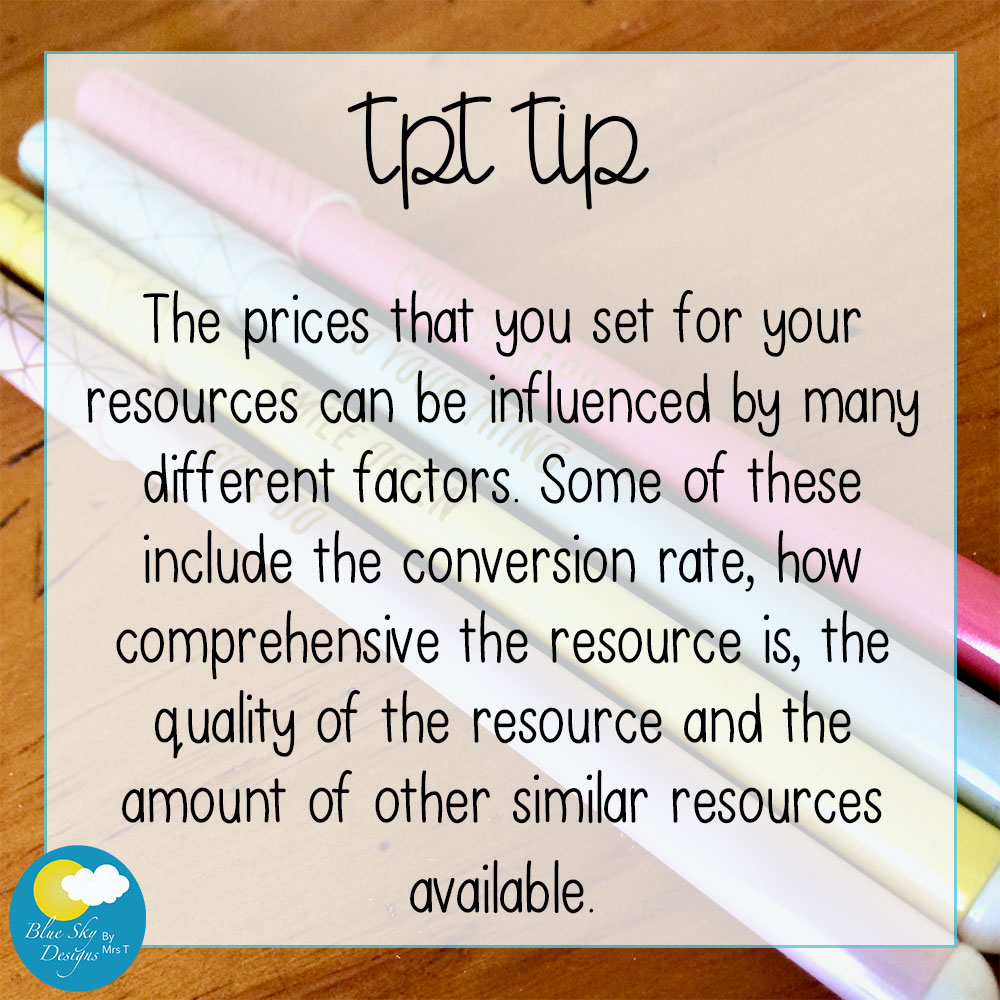
A helpful thing to keep in mind though is that our prices aren’t static. We can adjust and test our prices to see what works best for each of our resources.
Over time, this process becomes easier.
Make Sure the Resource is Tagged Properly
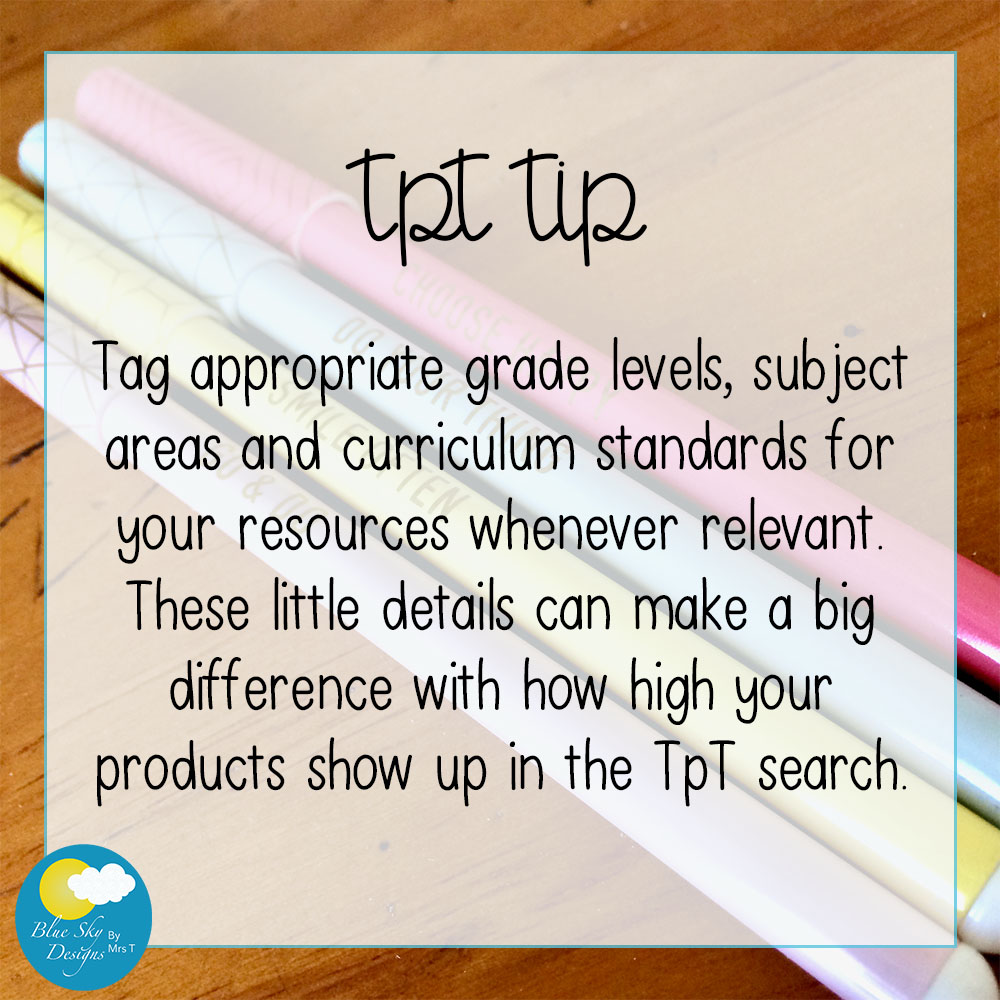
It can take such a long time to get products listed on TpT. We pour so much effort into making them, then we’ve got covers, thumbnails, previews and descriptions to think about. This can make it tempting for us to skip over those ‘little details’ like including a page count, thinking about the subject areas, adding ideal grade levels and applying relevant curriculum tags.
While I understand the tendency to skip over these things, I encourage you to take the extra time to include them on your resources. You want to make sure you are reaching as many potential buyers as possible, right? When a buyer starts filtering their search, a tag can be the difference between your resource being included in or completely excluded from your potential customer’s search results.
Let’s make the most of every opportunity to get our products seen!
I hope you’ve found these tips for updating your TpT resources helpful. If you’d like more support with designing your product covers, thumbnails or previews, I offer a TpT Product Listing Refresh service where I update the different elements of your resource listings for you. Find out more about TpT Product Listing Refreshes here.
You can also view my page of Support and Services for TpT Sellers to learn more about how I can support you on your TpT journey.
P.S. I have a FREE Product Optimisation Checklist available for you to refer to when you’re updating your TpT resources. You can either head to my TpT Seller Guide on TpT and download the preview which includes the checklist, or you can join my Facebook group and find it in the pinned posts section.

 Mrs T's Musings